
WpWatch: The Ultimate 2025 Guide to Launching a Profitable WordPress Blog
What is a Blog and Why Start Your Online Business Today?
Before we dive into the setup process, let’s clarify the power of blogging and why launching your own blog could be the single best decision for your financial future this year.
A blog is essentially a dynamic website where you regularly publish articles, guides, or updates. It’s the ultimate digital platform for sharing expertise, reviewing products, telling engaging stories, or driving a full-scale online business.
We know firsthand the life-changing impact a blog can have. Starting a simple content site can, over time, unlock incredible opportunities—including building a reliable, full-time online income stream.
The True Value of Blogging for WpWatch Users
Blogging is much more than just writing. It’s your path to:
- Connecting with Your Audience: Building a loyal community around your topic.
- Creating a Digital Asset: Owning a platform that generates traffic and influence.
- Unlocking Real Income: Establishing a foundation for passive income and side hustles.
Whether your goal is a personal creative outlet, a robust side hustle, or building a serious online presence, the process is simple: publish your first post, commit to consistency, and watch your blog evolve into a powerful, profitable asset.
In the following steps, WpWatch will show you the exact, proven process we use to launch successful blogs today. You’ll receive expert tips, tool recommendations, and lessons learned at every turn.
The best news? You don’t need coding skills or to be a professional writer to begin. All you require is a niche you are passionate about and the determination to start building your future online business now.
Are You Ready to Build a Profitable Online Business?
Starting a blog is the proven path to creating influence, driving traffic, and generating passive income. This guide walks you through the exact 8-step process successful bloggers use, ensuring you go from zero to publishing your first post without any technical frustration.
- Identify Your Niche and Audience (High-Demand Topics)
- Choose the Right Platform (WordPress.org vs. WordPress.com)
- Secure Web Hosting & Domain Registration
- One-Click WordPress Installation
- Customize Your Blog Design with a Theme
- Install Essential WordPress Plugins
- Write and Publish Your First Blog Post
- Implement a Growth and Monetization Strategy
Step 1: Identify Your Niche and Audience (High-Demand Topics)
Choosing your blog’s niche is the foundational step in starting your blogging journey. Your niche is the primary subject matter your blog will cover, and it’s key to attracting a dedicated audience.
Focus on Passion for Sustainable Blogging Success
When deciding “What should I blog about?”, the most effective advice is to start with a topic you genuinely care about and are passionate about.
- Increased Enjoyment & Consistency: Your enthusiasm will make the writing process more enjoyable, leading to greater consistency and higher-quality content.
- Authenticity Resonates: Readers will immediately recognize and appreciate your genuine interest, building trust and loyalty.
Example of a Successful Niche: The creation of WpWatch focused on helping users master WordPress. A deep commitment to empowering people with easy-to-follow WordPress insights provided a clear, actionable direction, proving that passion is the engine of long-term success.
Identifying Your High-Value Blog Niche
Your niche doesn’t require pre-existing expertise; it simply requires curiosity and a willingness to share. Great niche ideas often stem from:
- Existing Hobbies and Interests: Leverage what you already love doing.
- Acquired Skills and Experiences: Share practical knowledge or unique life lessons.
- Learning Journeys: Documenting your process of mastering a new skill is a powerful form of content.
Key Questions for Niche Brainstorming & Selection
To refine your decision, consider these SEO-friendly and audience-focused questions:
- Audience Interest/Search Volume: What topics do I frequently consume content on (high-demand topics)?
- Unique Value Proposition (UVP): What specific experiences or knowledge can I share that provide value to others?
- Content Sustainability: Can I consistently produce fresh, engaging content on this topic without burnout?
- Monetization Potential: Could this niche grow into a profitable business or attract high-value readers and partnerships?
Step 2: Choose the Right Platform (WordPress.org vs. WordPress.com)
Choosing the right WordPress platform is a critical decision—it dictates your level of control, flexibility, cost, and maintenance responsibility.
| Feature | WordPress.org (Self-Hosted) | WordPress.com (Fully Hosted) |
|---|---|---|
| Cost | Free software, pay only for hosting & domain (around $3–$15/month). | Free plan available; advanced features require higher-tier paid plans. |
| Control & Ownership | Full control over all data, files, and hosting. | Limited control; must follow WordPress.com’s Terms of Service. |
| Themes & Customization | Unlimited options and full code access. | Restricted to available themes; code editing limited to higher plans. |
| Plugins | Install any of 60,000+ plugins freely. | Plugin installation available only on Business plan or above. |
| Monetization | Full freedom with ads, affiliate links, or eCommerce. | Restricted ad options; revenue sharing may apply. |
| Maintenance & Security | User-managed backups and updates (simplified by hosts). | Fully managed by WordPress.com. |
| SEO | Full control using plugins like Yoast SEO or Rank Math. | Basic SEO tools; advanced options require upgrades. |
Which Platform is Right for You?
Choose WordPress.org if:
- You want full control and ownership.
- You plan to monetize your site.
- You need maximum customization.
- You expect your site to grow and scale.
In short: WordPress.org is the professional, long-term choice for anyone serious about blogging or online business.
Step 3: Secure Web Hosting & Domain Registration
Skip the Free Blog Traps: Why WordPress.org is Your Best Bet
Free platforms limit your potential—restricted customization, ads you don’t control, and lack of true ownership. Self-hosted WordPress (WordPress.org) gives you total freedom to grow and monetize.
Why choose WordPress.org for your blog:
- It’s free software to use.
- No coding skills needed.
- You own everything you create.
- Unlimited monetization opportunities.
Choosing a Reliable Host
Your host impacts performance and Google rankings. Look for:
- High-Speed Servers: NVMe SSD, LiteSpeed, or optimized caching.
- 99.9% Uptime Guarantee: Keeps your blog online consistently.
- Free SSL Certificate: Ensures secure, trusted connections.
- Automatic Backups: Protects against data loss.
- Scalability: Handles growing traffic seamlessly.
Step 4: One-Click WordPress Installation
Once hosting is active:
- Most providers (like Bluehost or Hostinger) offer one-click WordPress installs.
- Access your dashboard at yoursite.com/wp-admin and start building instantly.
Step 5: Customize Your Blog Design with a Theme
Your blog’s visual identity matters. Choose a fast, mobile-responsive theme that reflects your niche.
Navigate to Appearance → Themes in your dashboard to browse thousands of free and premium themes.
Pro Tip:
Keep it simple and focus on readability for a clean, professional look.
Step 6: Install Essential WordPress Plugins
Plugins extend your blog’s capabilities without coding.
Here are four essentials:
- SEO Plugin: Rank Math or AIOSEO for optimizing your content.
- Contact Form Plugin: WPForms for easy visitor communication.
- Security Plugin: Protect against malware and hacking attempts.
- Backup Plugin: Automate regular backups for safety.
Step 7: Write and Publish Your First Blog Post
Start writing—don’t wait for perfection. Go to Posts → Add New and begin.
Tips:
- Use short paragraphs and clear subheadings (H3, H4).
- Highlight key terms in bold.
- Internally link to other relevant pages for SEO and engagement.
Step 8: Implement a Growth and Monetization Strategy
Unlocking Your Blog’s Earning Potential
Your blog can evolve from a passion project into a sustainable business. Here are the most effective monetization strategies used by WpWatch and successful creators worldwide:
1. Display Advertising with Google AdSense
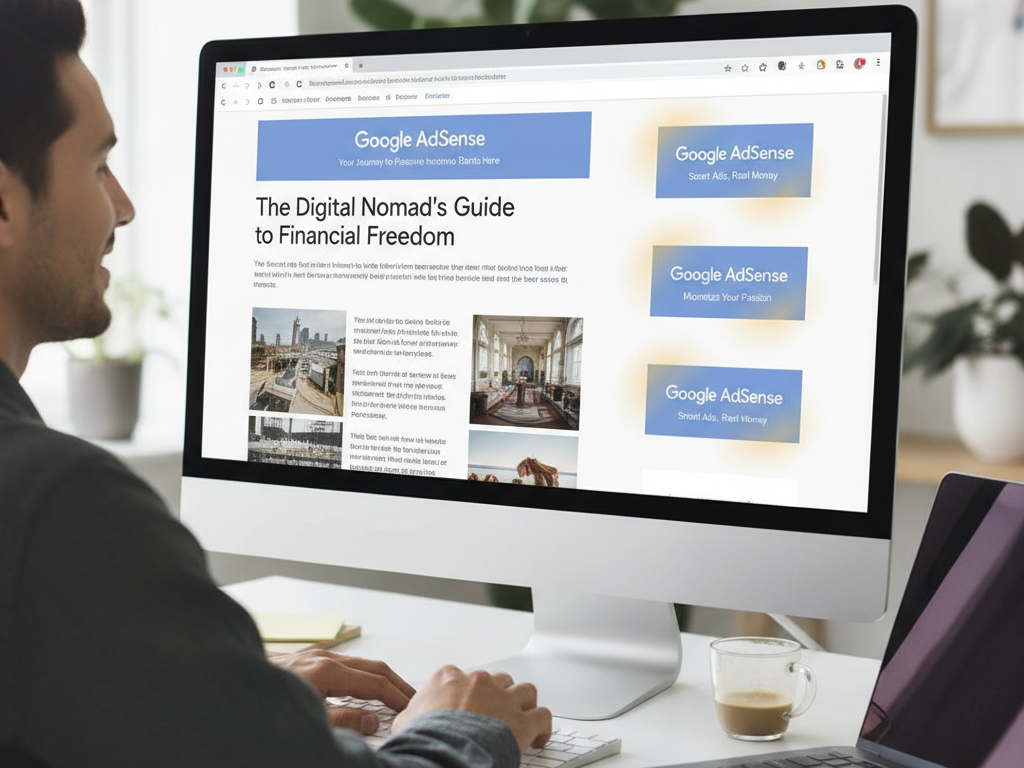
One of the simplest ways to earn is by displaying ads. Google AdSense automatically connects your blog with relevant advertisers, letting you earn income as your traffic grows.
To get started, follow WpWatch’s step-by-step guide on integrating AdSense into your WordPress site.
2. Strategic Affiliate Marketing
Affiliate marketing involves recommending products or services relevant to your audience. When readers purchase through your referral links, you earn a commission.
To manage and track links effectively, tools like Pretty Links or ThirstyAffiliates simplify the process and keep your blog professional.
3. Selling Your Own Products or Services
Turn your blog into an eCommerce platform by selling:
- Digital downloads (eBooks, templates, guides)
- Physical products
- Professional services or consulting
Use Easy Digital Downloads for digital goods and WooCommerce for physical products or stores.
4. Premium Content: Online Courses & Subscriptions
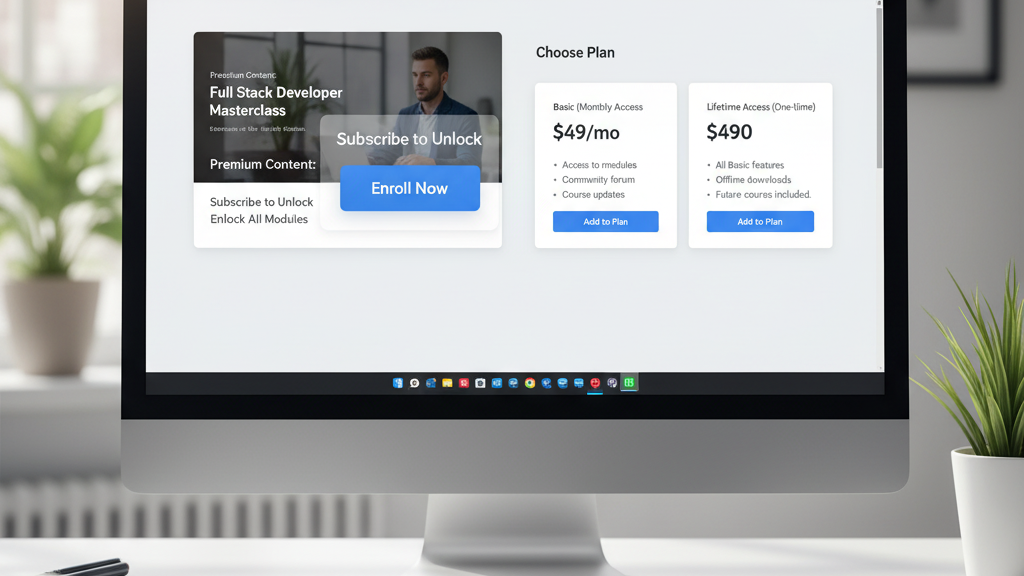
Offer premium content through online courses, memberships, or subscriptions. Exclusive, paid content builds loyalty and creates a consistent income stream.
You can also design structured online courses using dedicated WordPress plugins that handle content restriction and payment integration seamlessly.